Magic Dashboard — Documentation
Magic Dashboard is Kobana's platform for building portals for your customers. You connect the systems where the data lives, choose what to show and build the pages in the Builder — and each customer who signs in to the portal sees only what belongs to them.
How it works
- Connect your data — an API, an MCP server or a database.
- Choose what to show — invoices, contracts, payment slips: the entities that come from those sources.
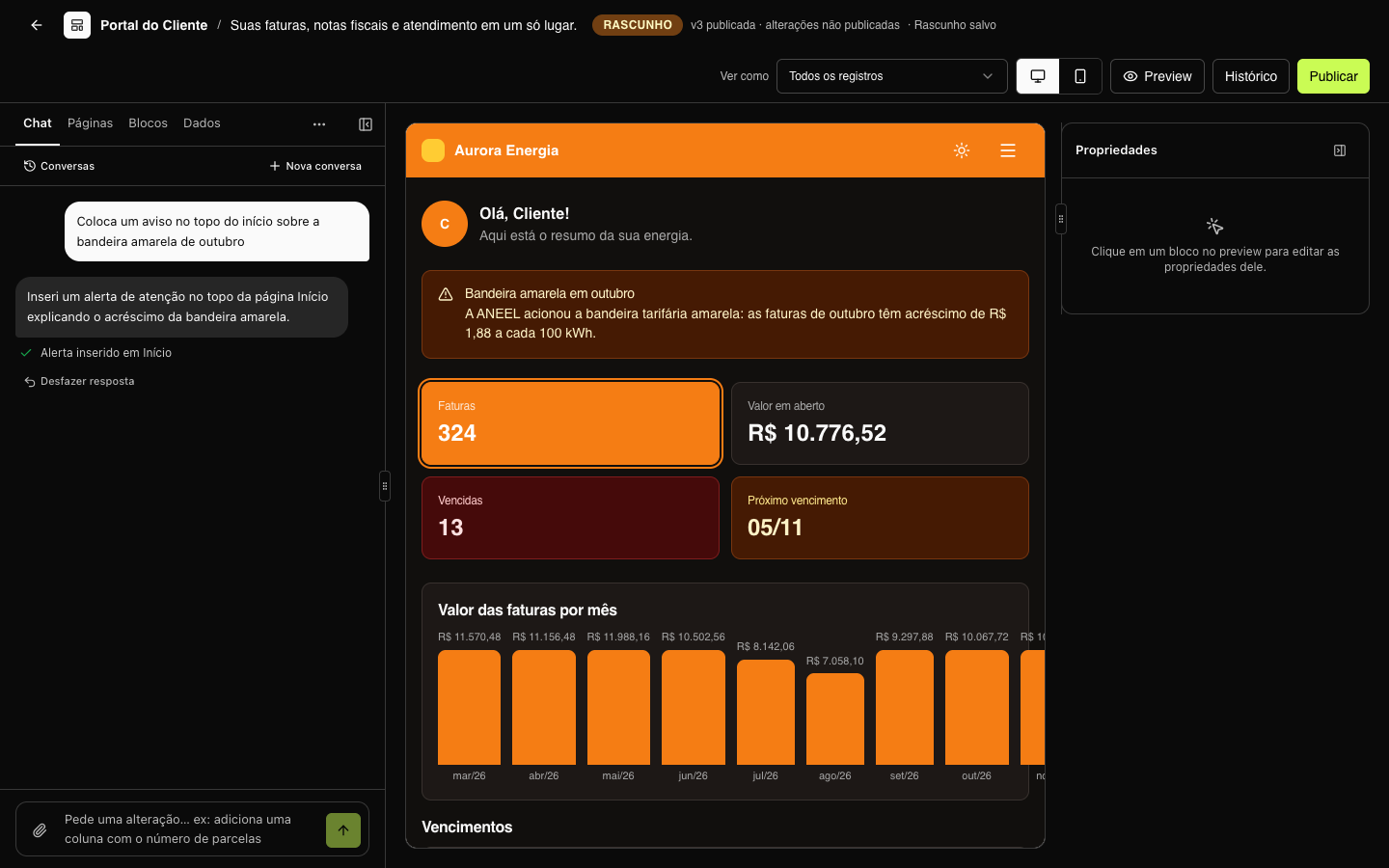
- Build the portal — pages with tables, indicators, charts and forms, with your brand and your domain.
- Invite the users — each one sees the records of their own holder. See Holder and tenant ID.
Where to start
- Getting started — from the first connector to the first customer in the portal.
- Organization and workspaces — how your account is organized.
To integrate through code, see the API and MCP sections in the top menu.