Getting started
The Getting Started page (/dashboard/getting-started) tracks the setup of each workspace. Each step shows whether it is already done, and the checklist disappears from the menu when everything is ready — or when you decide to hide it.
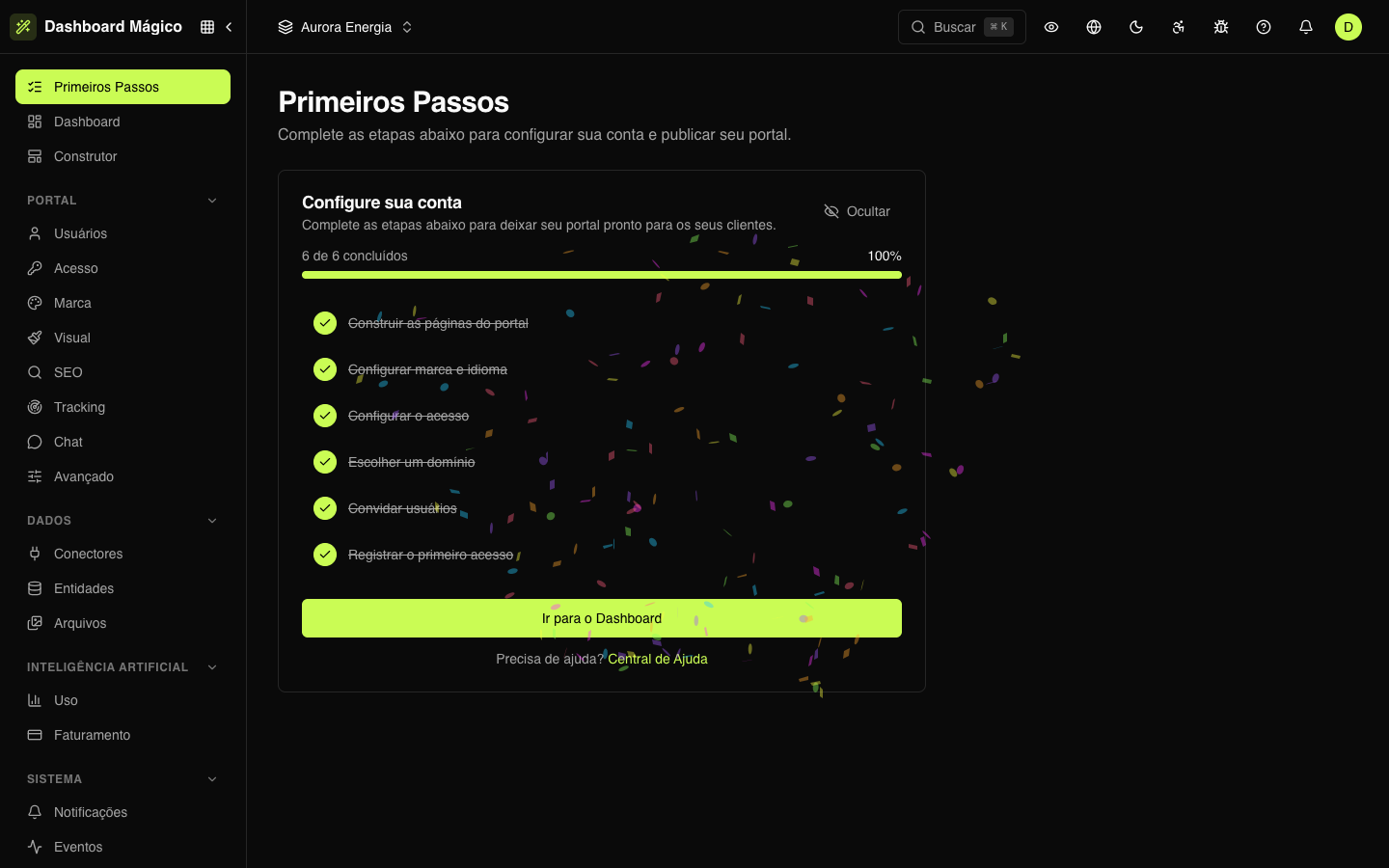
The path to a live portal
- Connect your data — in Data › Connectors, connect the API, MCP server or database where your customers' information lives.
- Create the entities — in Data › Entities, choose what becomes portal content (invoices, contracts…) and which field identifies the holder of each record.
- Build and publish the pages — in the Builder, build the pages with blocks and the entities' data, check them with "View as" and publish.
- Apply your brand — in Portal › Brand, the portal's name, logos and icon.
- Set up access — in Portal › Access, the sign-in methods and, if you want, a custom domain.
- Add the portal users — in Portal users, with each one's tenant ID: one at a time, by spreadsheet import or through the API.
- Follow the first sign-in — the step is completed when the first user signs in to the portal.
To integrate your systems, generate an API token and register webhooks to receive events.