Events
Every relevant change in the workspace — a portal user invited, a portal version published, an entity changed — generates an event. In System › Events (/dashboard/events) you see this log, from newest to oldest.
Events are the basis of webhooks: each one is sent to the endpoints subscribed to its type.
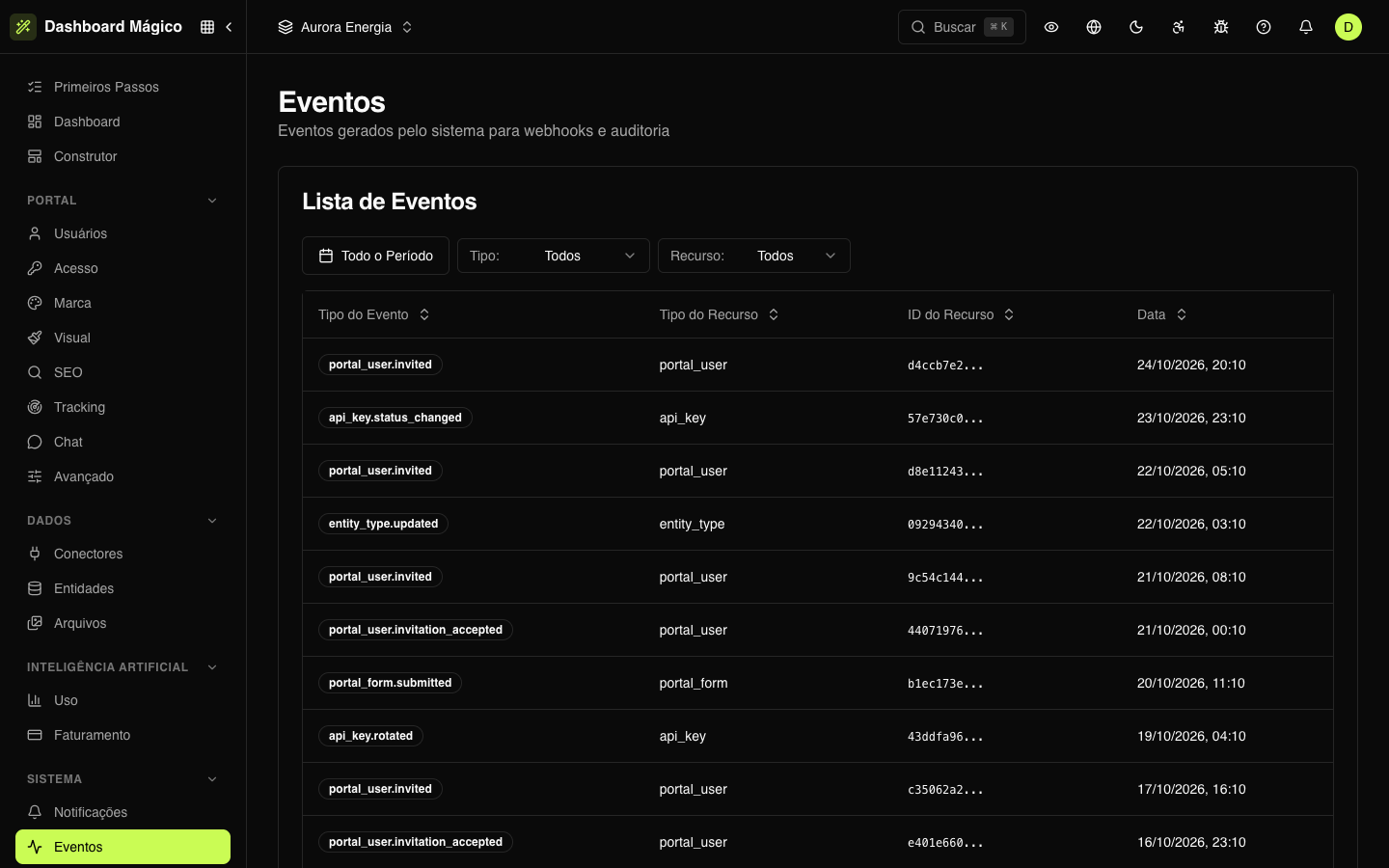
The list
| Column | What it shows |
|---|---|
| Event Type | What happened — for example, portal_user.invited or portal_version.published. |
| Resource Type | What changed — for example, portal_user or entity_type. |
| Resource ID | The resource identifier. |
| Date | When the event happened. |
Filter by period, Type and Resource. You can also sort by the columns, choose the visible columns and refresh the list.
The list shows the active workspace's events and the organization's events, which apply to all workspaces.
Event details
Click a row to open the details:
- Event Type, Resource Type, Resource ID and Date;
- Data — the event content, in JSON;
- Metadata — extra information about the event, when there is any.
The full format of what a webhook receives and the list of event types are in Webhook events. The status of each delivery to your endpoints is in Deliveries.
:::tip Events or audit? Events tell you what changed and feed integrations. The Audit tells you who changed it, from where and with which values before and after. :::